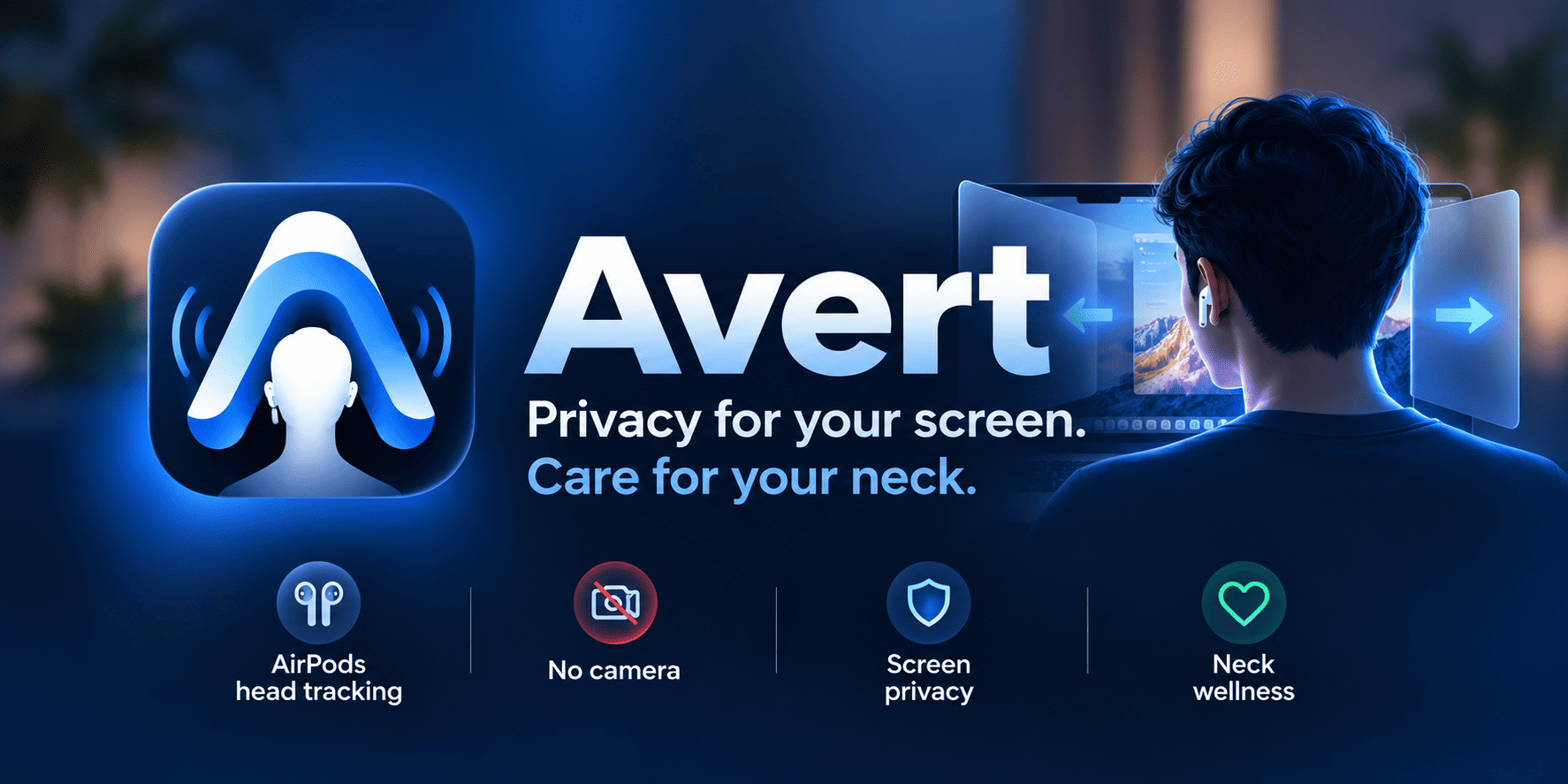
Screen privacy
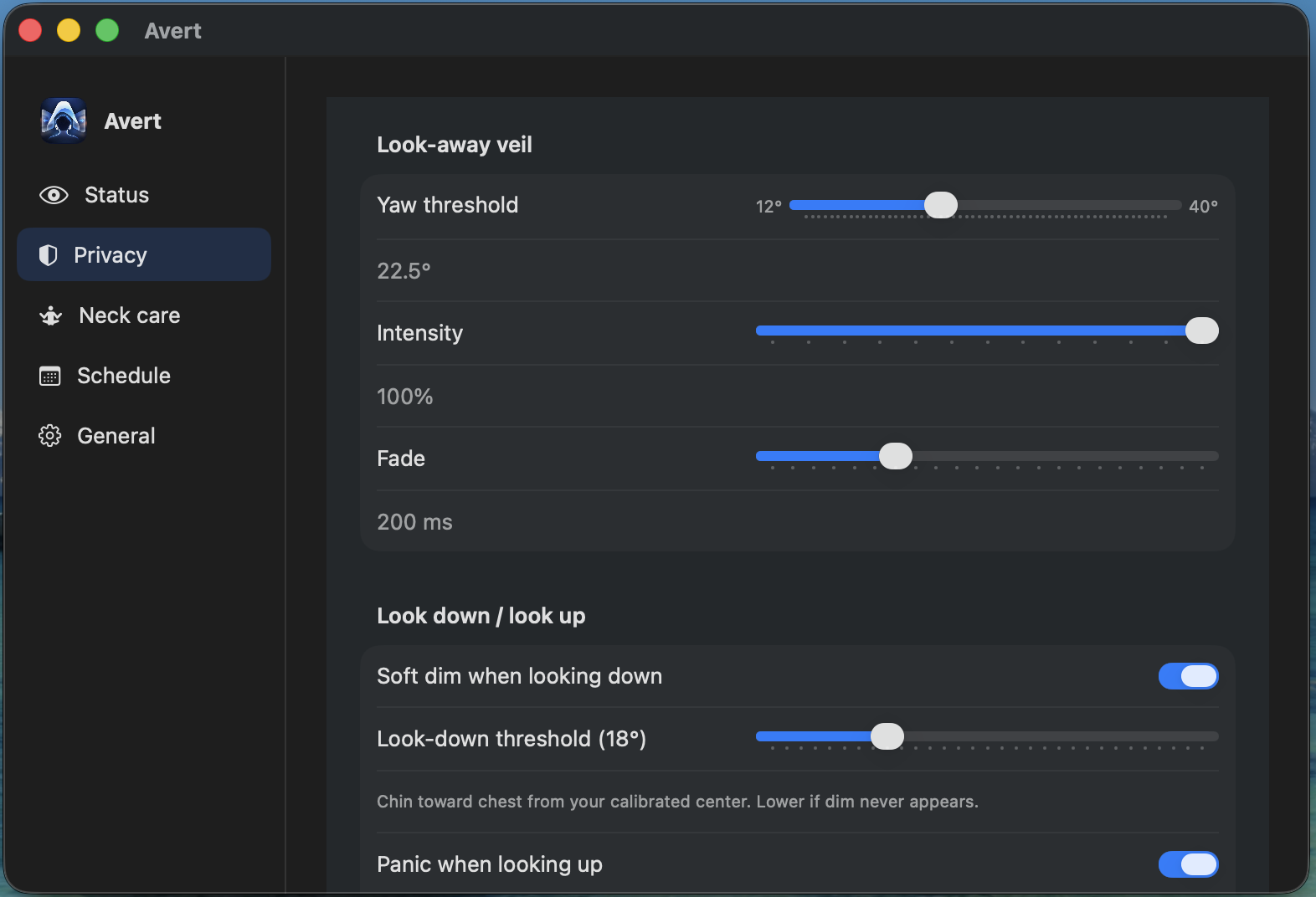
Look away. That side soft-blurs.
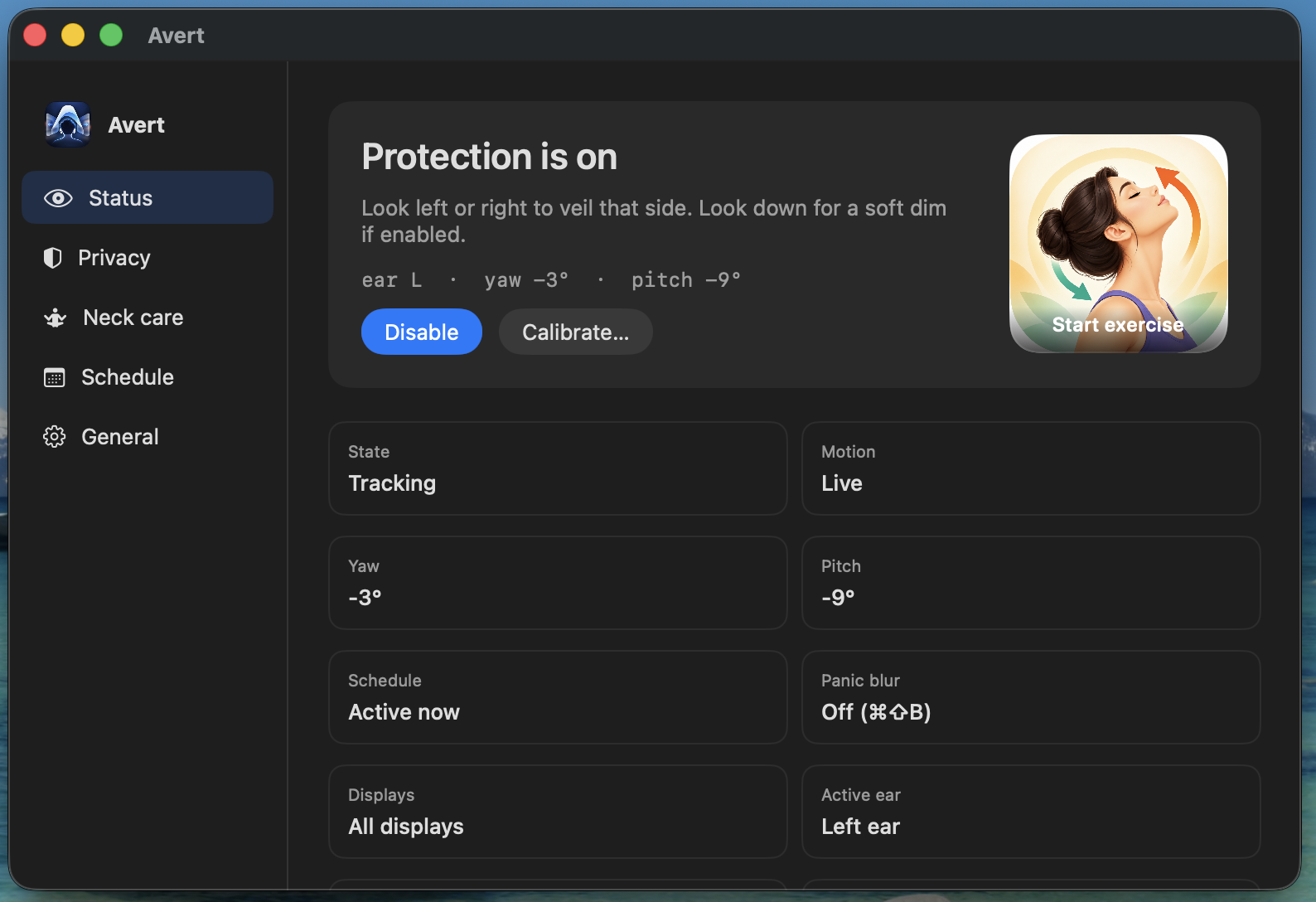
In a café or open office, Avert veils the side of the screen you’re exposing. Look back to center and it clears. Panic cover anytime with ⌘⇧B.
- AirPods head tracking — no camera
- Optional look-down dim and look-up cover
- Everything stays on your Mac
Neck care
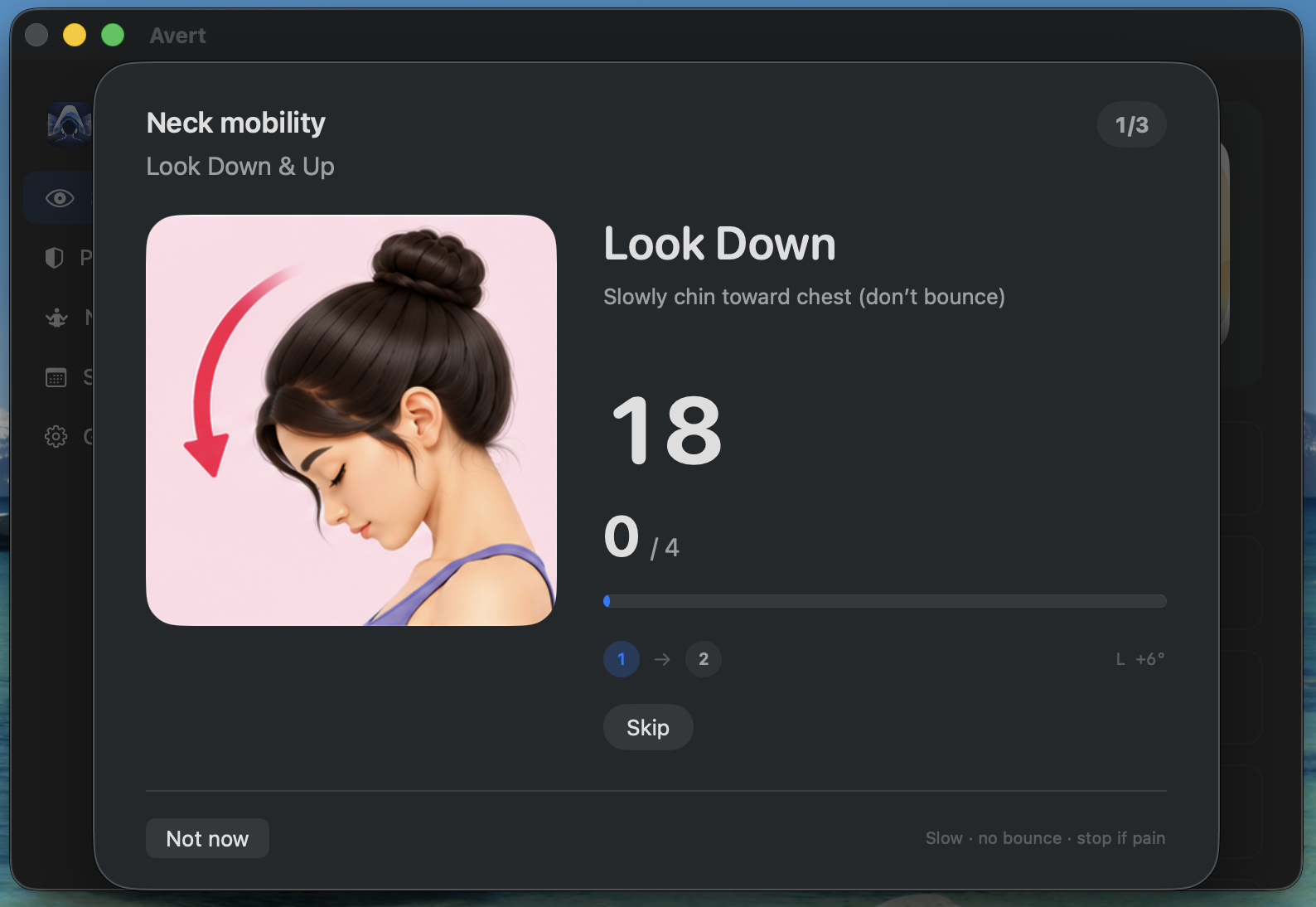
Guided stretches that follow your head.
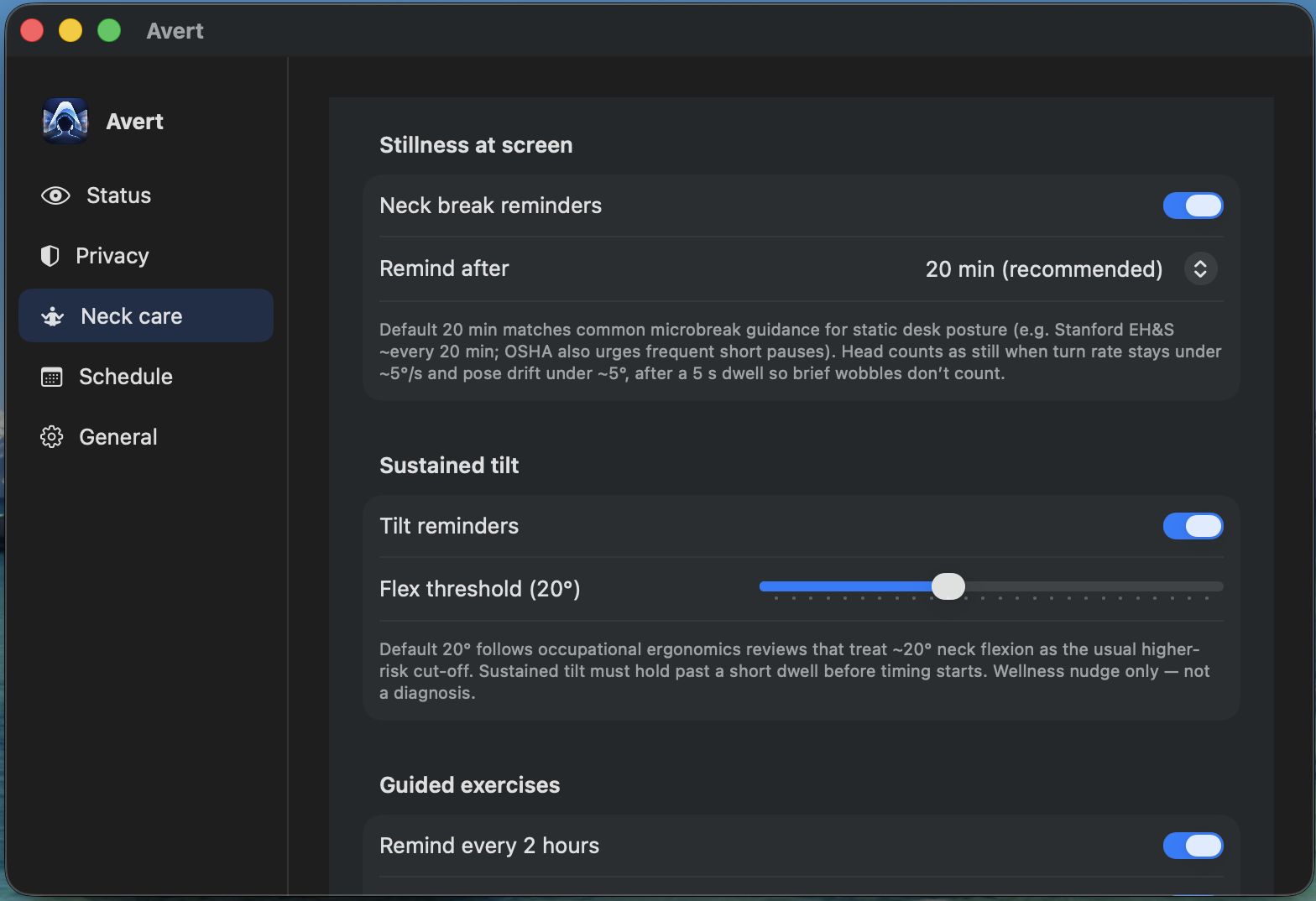
Same AirPods sensors power a short exercise set — look down/up, tilt, turn — with on-screen coaching and an optional voice count.
- Stillness and posture reminders
- 3-move guided set
- Wellness helper — not medical advice
Inside the app
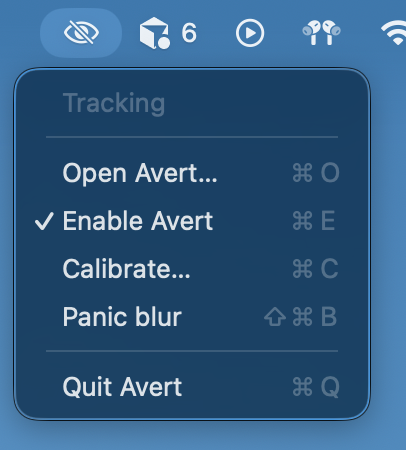
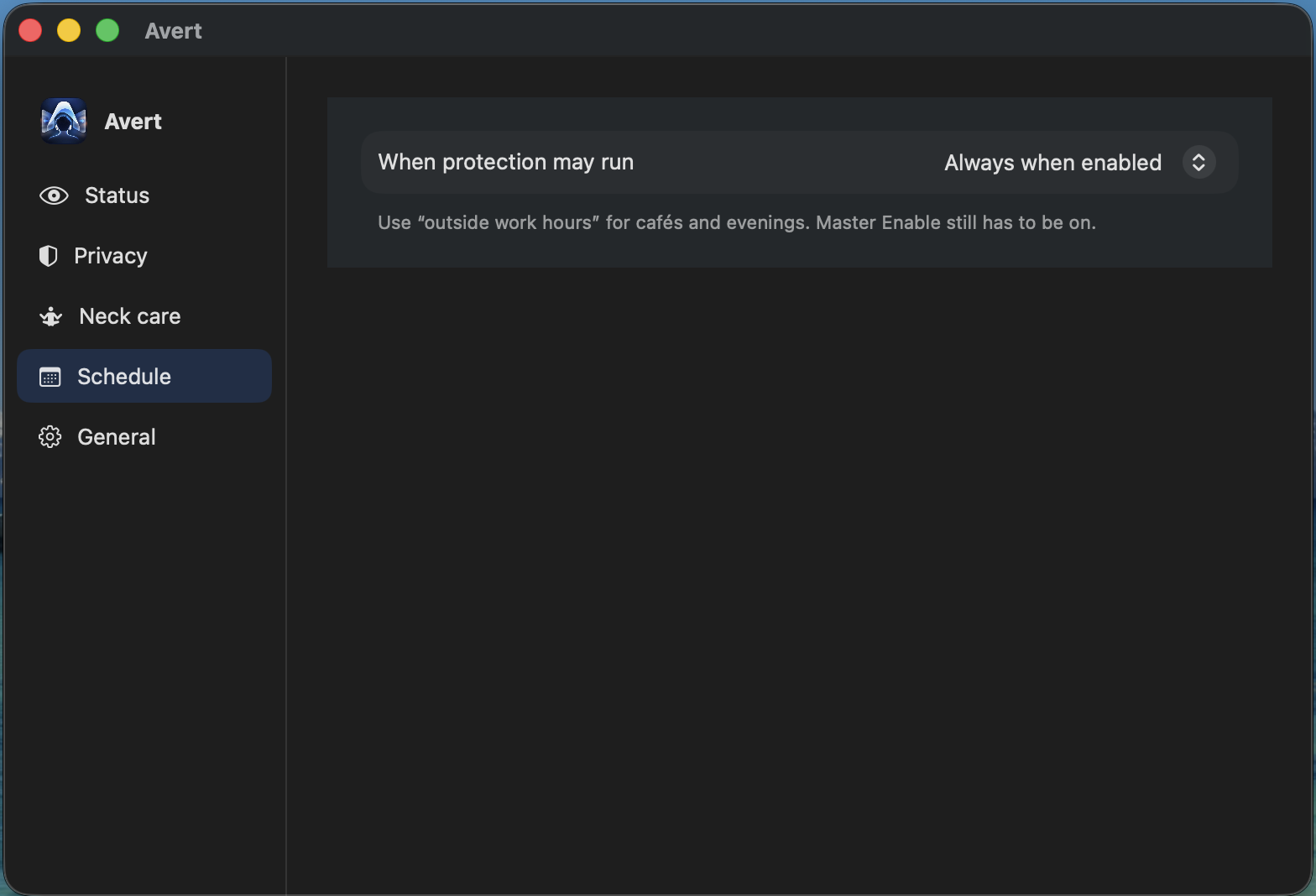
Menu bar. Status. Schedule.
Avert lives quietly in your menu bar until you need it.
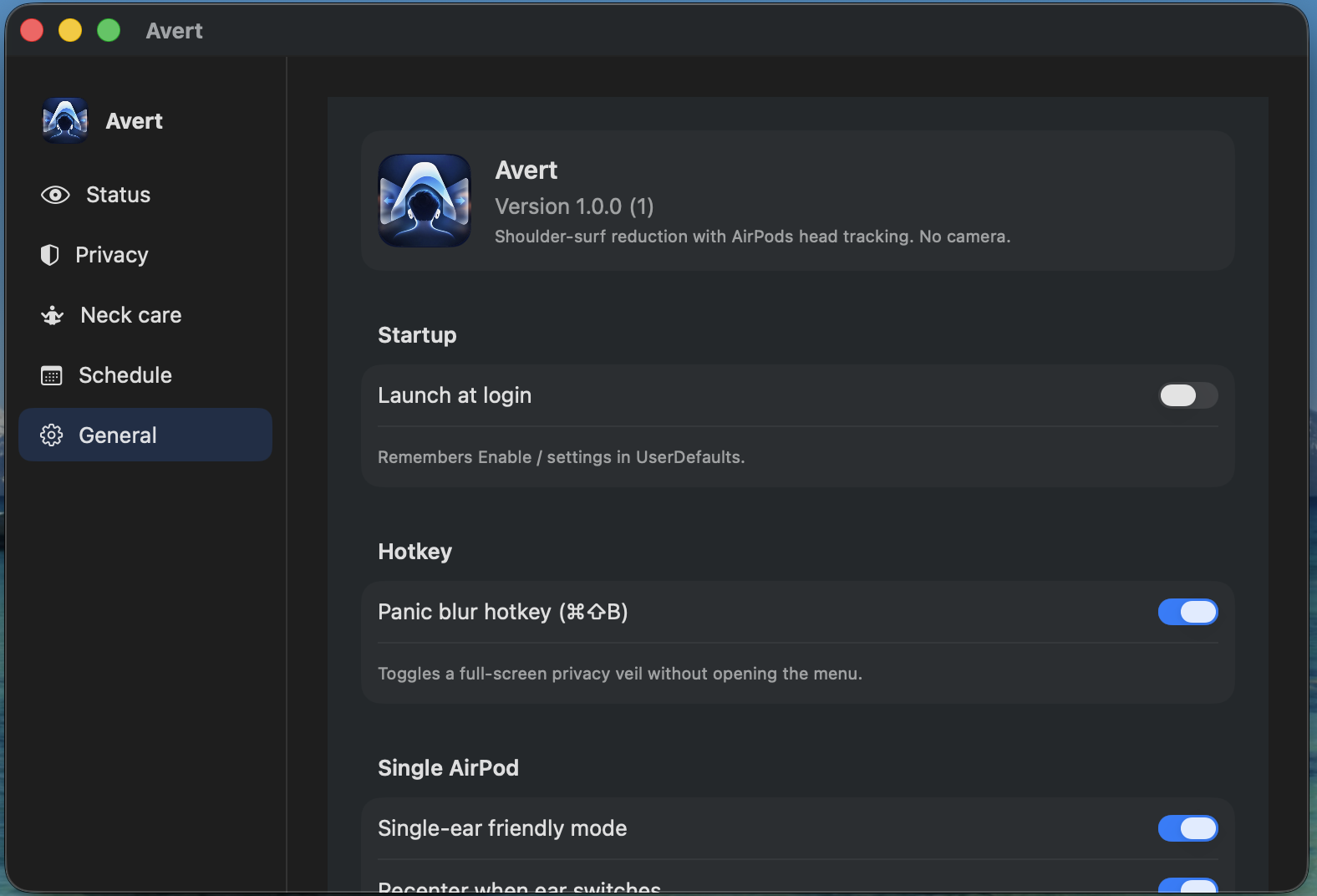
Scroll sideways for more
Demo
See it in about a minute.
Status, calibrate, neck care, privacy, general.
Get Avert
Download the notarized Mac build
- Mac on macOS 14 Sonoma or later
- AirPods (or compatible Beats) with head motion
- Allow Motion & Fitness when asked
Apple-notarized Developer ID build — opens without Gatekeeper malware warnings.